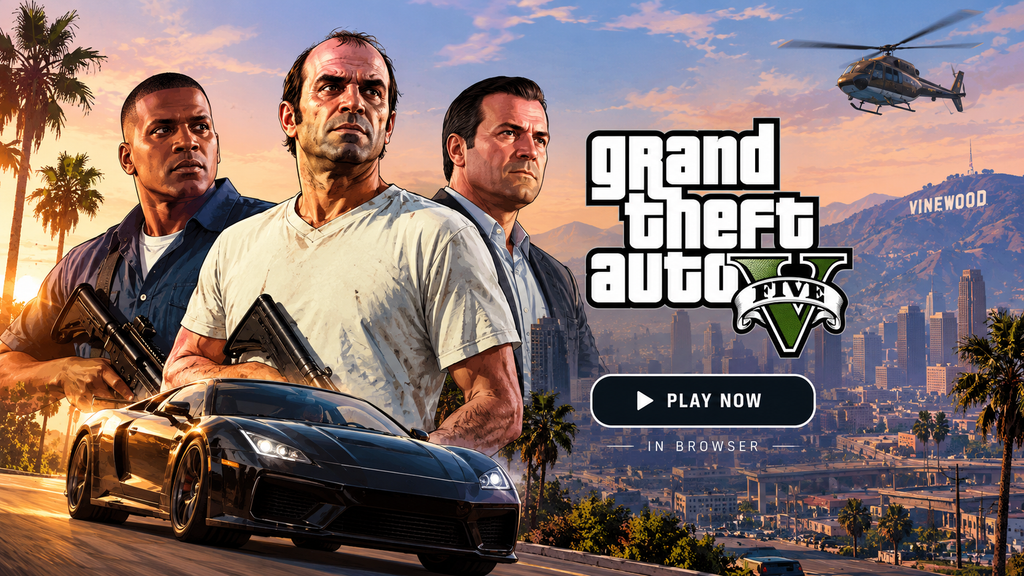
Play GTA 5 Online in Browser with a browser-based WebAssembly (WASM) version of the game. You can launch the game directly from this website without installing the traditional PC version first. The browser loads the files needed to run the game, so the initial loading process may take some time.
Play GTA 5 in Your Browser
Ready to try the browser version? Open the game player below and follow the on-screen instructions to get started.
How It Works
This GTA 5 browser game uses WebAssembly to run supported game code in your browser. Instead of setting up a traditional desktop installation, you access the game through the webpage.
- Open the game player on this page.
- Wait for the required game files to load.
- Follow any on-screen prompts to start playing.
Loading time can vary depending on your internet connection, browser, and device. If the game does not start, give it a little more time before refreshing the page.
What to Expect
This is a browser-based GTA 5 WASM version, not the official PC or console release. Its available content, controls, graphics, and performance may differ from the original game.
Playing this version does not automatically provide access to official GTA Online multiplayer, Rockstar account features, or every feature of the original release. Availability depends on what this particular browser build supports.
Although you can start from a webpage, the browser may still need to download game assets before play begins.
Device and Loading Information
For the best chance of a successful launch, use an up-to-date web browser and a stable internet connection. Keep the game tab open while the required files load, and avoid closing or refreshing the page during startup.
Performance depends on your device and the browser build. Compatibility with specific phones, tablets, or computers should not be assumed unless tested.
Frequently Asked Questions
Can I play GTA 5 online without downloading the PC version?
You can access this browser version without first installing the traditional PC game. However, the browser may download files required to run it.
Is this the official GTA Online?
No. This browser-based version is separate from the official GTA Online service. Do not assume that official multiplayer or account features are available.
Why is the game taking a long time to load?
The browser may need to fetch and prepare game files before starting. Connection speed, device performance, and the size of the required assets can all affect loading time.
What should I do if the game does not start?
Wait for loading to finish and check for any on-screen error messages. Make sure your browser is up to date. If the problem continues, try reloading the page after checking your connection.
Open the game player above and see how the browser version runs on your device.